
The Liberation of Colors
Yesterday there was a hubbub on The Twitter about how, starting this month and next, Adobe products would no longer be providing access to the industry-standard Pantone Matching System library of color swatches. It’s understandable honestly, Pantone has dominated the industry by making their color formulas available consistently to printers and designers since the 50s through the use of expensive but lavishly-printed Color Guides and digital palettes for design applications.
Until recently, Adobe and Pantone seemed to have a good partnership. Adobe products have long included the Pantone swatch libraries with their design software, allowing designers at all levels access to the same library, allowing design consistency and predictability at all levels of the design and printing process. This ‘free bonus’ of the expensive Pantone library of swatches certainly helped to cement Adobe’s position as the standard software for the entire design industry.
Until this year, apparently. Adobe announced late in 2021 that they would no longer be paying the licensing fees to include the Pantone color libraries beginning this month. And with the underlying technology built into Adobe’s subscription-based Creative Cloud suite of applications, they are able to not only remove the libraries from users’s computers, but to remove any reference to a color from those libraries, rendering the colors linked within the documents as solid black*. Users who want to continue to use official Pantone libraries with their Adobe subscription must pay an additional licensing fee through Pantone’s own ‘Pantone Connect’ service, with prices starting at $7.50 per month.
Understandably, Design Twitter got vocally upset about this.
Now, this is only affecting the actual Pantone libraries and any object that’s set to use one of these color swatches. If you have a color in your document that happens to have the same RGB or CMYK values as a Pantone color you’ll be fine. This presented a number of workarounds, such as just duplicating the Pantone color into your document’s swatch library, or saving the Pantone library to your hard drive as an .ase file.
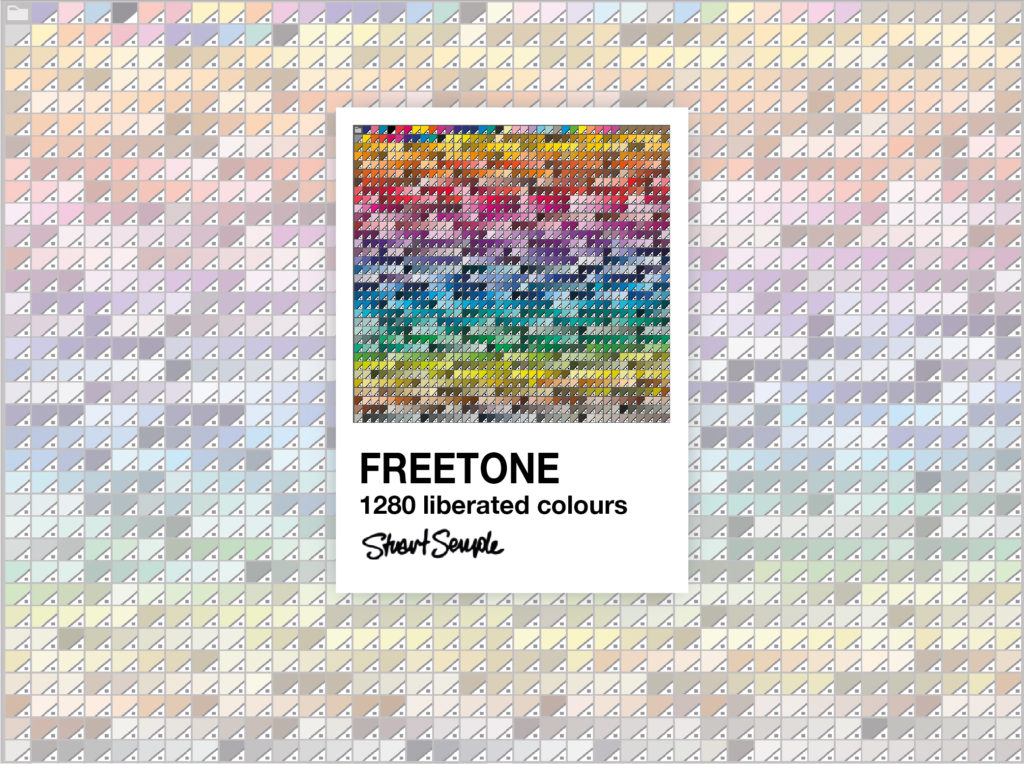
Which brings us to Stuart Semple’s release of his ‘FreeTone’ swatch library – a free-to-download, easy-to-install replacement for the Pantone library. Semple, known for his World’s Pinkest Pink and Black 3.0 pigments, has assembled? modified? a color library with all the colors from the Pantone library, with new ‘Sempletone’ names but with the same PMS color codes, in .ase format for easy import into any Adobe application. The only caveat is that you can’t work at Adobe or Pantone, and you can’t give the library to anyone at Adobe or Pantone.
Now, I switched to Affinity apps a couple years ago, and they also provide the PMS libraries just like Adobe used to, but Affinity is not a subscription-based suite, so there’s no fear there that my libraries will just disappear with the next automatic update. I recommend it. But I still went ahead and downloaded the FreeTone library in part because it’s just a kind of funny artifact of this moment in design history, and also in part because with this new Pantone/Adobe arrangement, I think there’s a non-zero chance that this color swatch palette might actually become a solid digital standard for the industry going forward. Same reason I have like 32,000 fonts in my font library.
Anyway, this is what’s been on my mind the last couple days.
*It’s not clear how this change will affect Photoshop documents, which don’t seem to store any ‘swatch’ data in the final document. For example, when you select a Pantone Red swatch in PS and start drawing on your canvas, the color values will change based on settings in the brush, layer, and channel and is immediately rasterized into pure pixel data. The swatch reference is only the starting value for drawing, not the final color that shows up on the canvas. So, I think if your PS object or layer is already rasterized this new development won’t have any effect on it. Who knows.